A stylized gaming edit focused on impact timing, typography, and motion effects to enhance comedic frustration
The goal was to recreate a competitive gaming feel using exaggerated hit effects, bold typography, and fast paced cuts to emphasize the “sore loser” reaction.
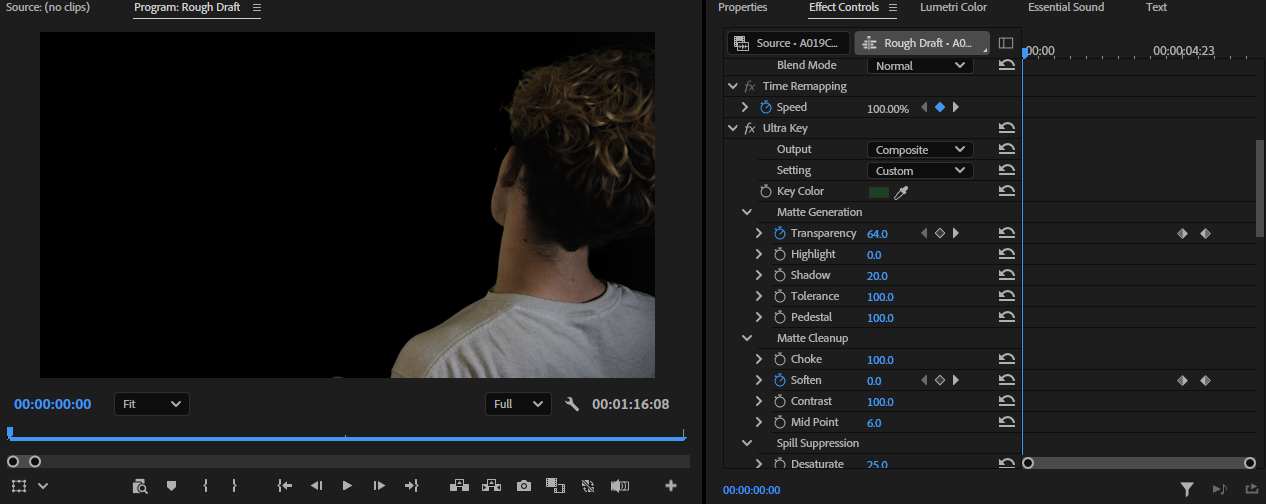
To separate Riley from the green screen, we used the Ultra Key effect to remove the background.
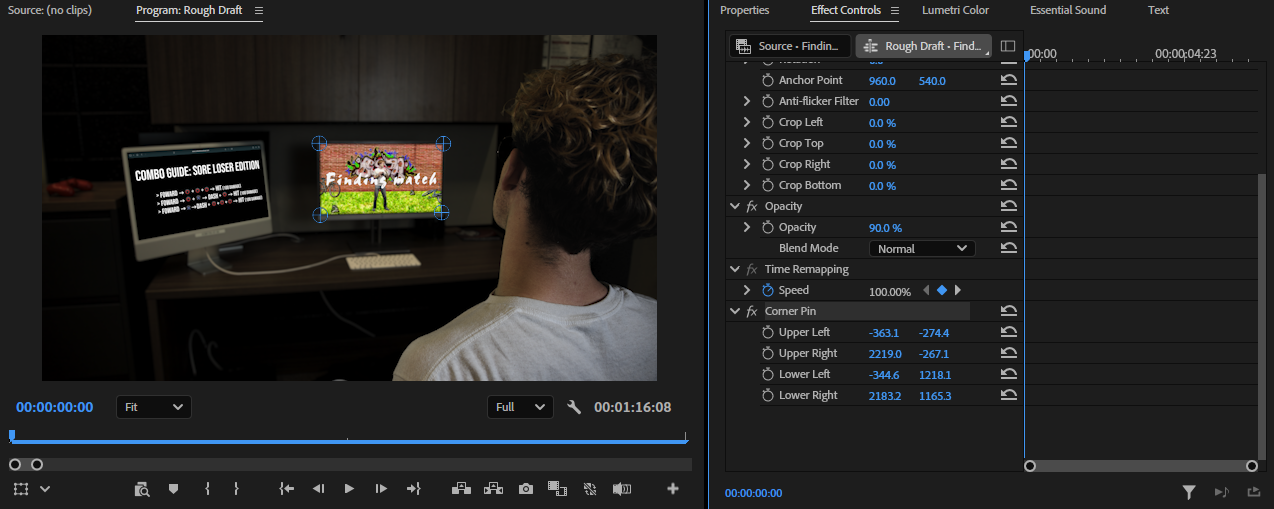
I added a Corner Pin effect to the monitor so it appears that he is actually playing the game.
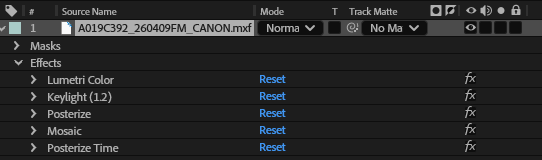
We added Lumetri Color, Keylight, and Posterize effects to create a blocky, retro game look, along with Posterize Time to reduce the frame rate for a more authentic retro feel.
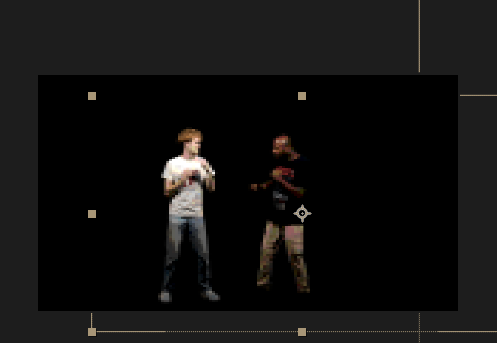
We adjusted the character positions to resemble a Mortal Kombat game and used Keylight to remove the green screen.
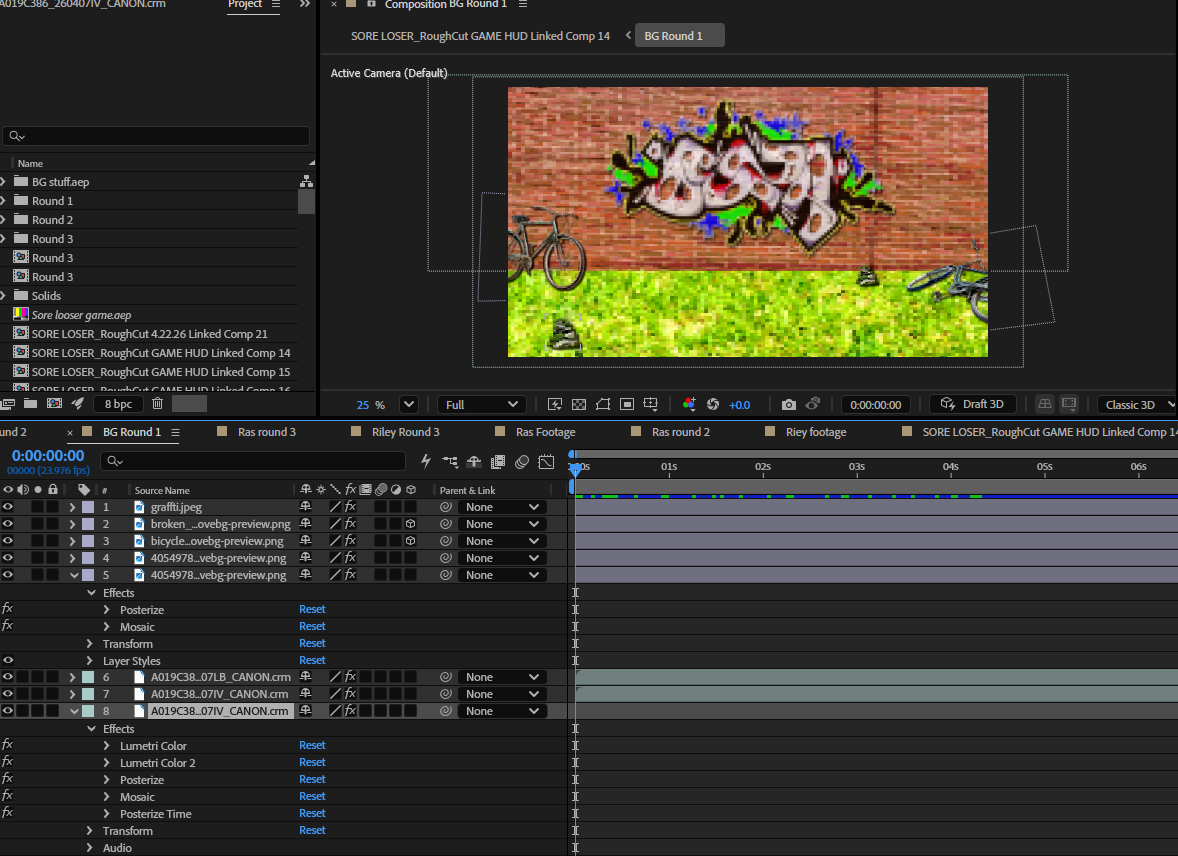
For the background, We used two Lumetri Color effects to adjust the color and match the overall look, along with Posterize and Mosaic to create a blocky, pixelated style. I also applied Posterize Time to reduce the frame rate and give it a retro game feel.
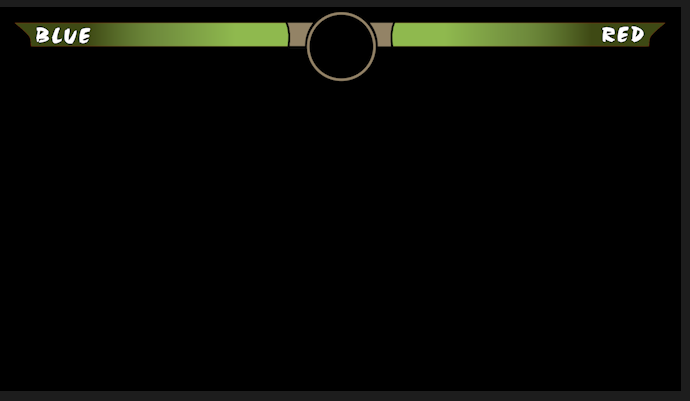
I used the Pen Tool to create the HUD, designing it to match a retro game style.
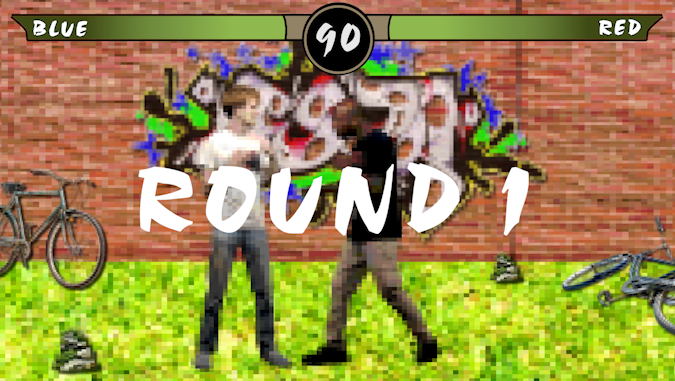
I added a “Round 1” title and a timer using a MOGRT that animates over time.
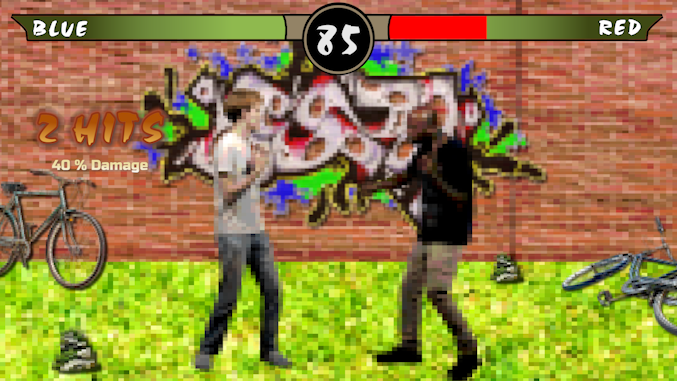
I used the Crop tool to animate the health bar decreasing with a red fill, and added a hits counter and damage label inspired by Mortal Kombat-style games
Step 1 – Rough Cut
Selected the strongest reactions and trimmed clips to match pacing.
Step 2 – Timing & Cuts
Synced cuts to sound effects and reactions for better comedic timing.
Step 3 – Text & Graphics
Added “2 HITS” style text inspired by fighting games to emphasize impact moments.
Step 4 – Effects
Applied:
Glow effects for emphasis
Motion blur for fast actions
Screen shake for hits
Step 5 – Sound Design
Layered hit sounds and subtle background audio to enhance intensity.